Nameberry is deleting edits again 
If it were only a word or two I wouldn’t mind but when whole paragraphs are gone that really sucks!
1 Like
I know, it’s frustrating! Unfortunately we can’t find any reason why this is happening sometimes. Is it every edit for you or just some?
Maybe it’s just me but I keep getting the symbols for different websites coming up on the tab? Like it will say ‘New Topics - Nameberry’ but have the Twitter bird or the [name_f]Vogue[/name_f] symbol there instead.
1 Like
Oh, I should have posted my thread about losing the names from user lists here instead. Whoops! I’m glad I found this, because I was about to start another thread about the name links disappearing after edits, but it sounds like that’s a known issue.
I’m not sure how it works on the backend, but I know there is some sort of bot or script that automatically edits each new post to insert links from each name listed in the post to its corresponding entry in the Nameberry database. I was wondering, is there a way as a user to trigger that process to happen again after a post has been edited, so that people reading the post can still have the benefit of the links and the color-coding?
There is no way to trigger that as a user, no. As I said above, I’m sure there is something that could be done about this in the back end and it is on the list, but since it doesn’t interfere with function and links are working more generally, it’s quite low down the priority list at the moment.
Is anyone else having trouble with the reply button??
Sometimes it works first time. Sometimes I press it 5 times and have to wait a moment. Been happening for the last couple of days.
I’ll investigate, thanks!
1 Like
I’m finding today that notifications are randomly disappearing, anyone else?
So the bad news is, I just had this glitch (the one I had posted about here before I knew that this thread existed) happen twice back-to-back. The good news is, @katinka I think I have some helpful new data for you!
It was while I was adding names to this list. The first time, I lost a total of 90 names. When I was adding them all back, it happened again, and the second time, I lost only 4 names. I am still using the latest version of Firefox on a Mac laptop.
Something I noticed this time, as I was scouring for potential anomalies, is that in both instances, I had accidentally added a name twice; both times the name was not one that existed in the Nameberry database (first time: Trillium, second time: Gloriosa); both times when I reopened the list, the name appeared twice; in both instances, the heart next to the duplicate name was pink for the first entry (as these were all girls names) and black for the second entry, which I’ve never seen before; and both times when I clicked through to the edit interface, the name only appeared once in the box where you add new names.
Because that same sequence of events happened twice, I wondered if this is what is triggering the “unexpected error.” So I created a new list here to test my theory, deliberately added a name that I knew wasn’t in the database twice, and was able to intentionally trigger the error. I’m including screenshots of each step.
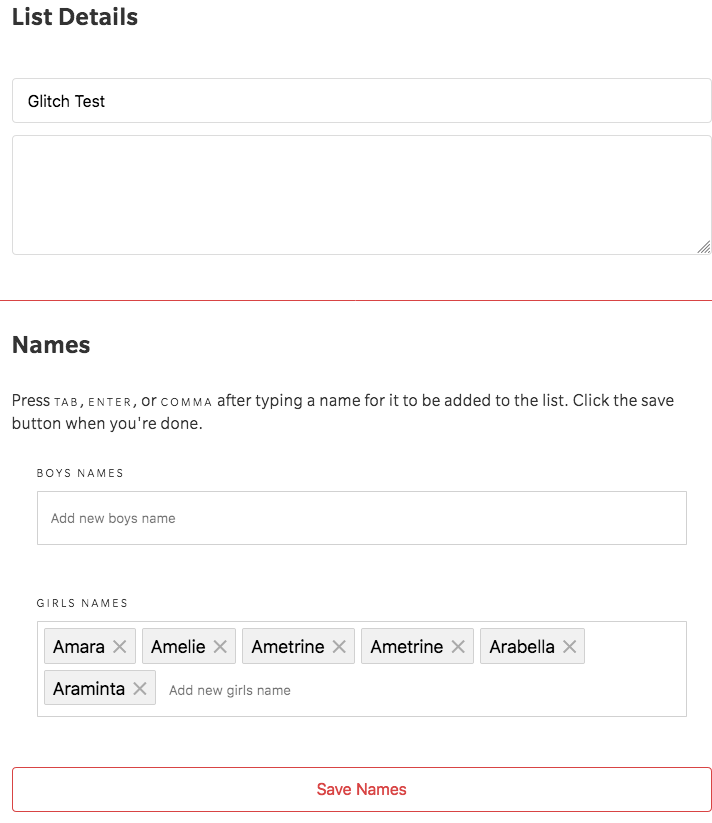
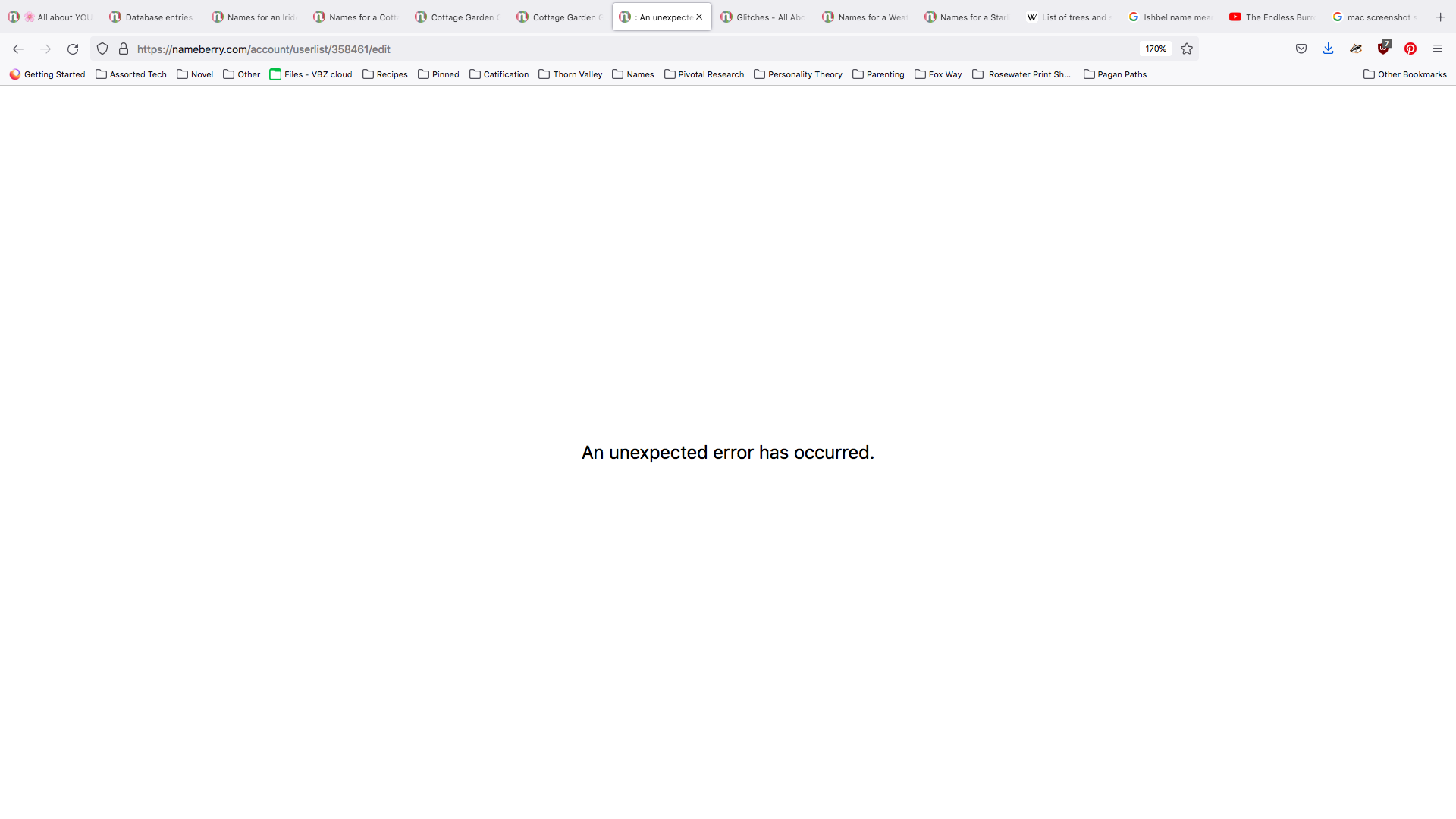
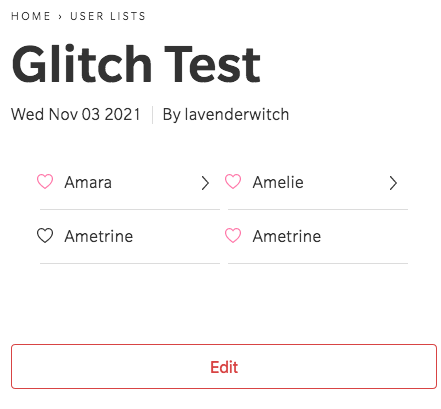
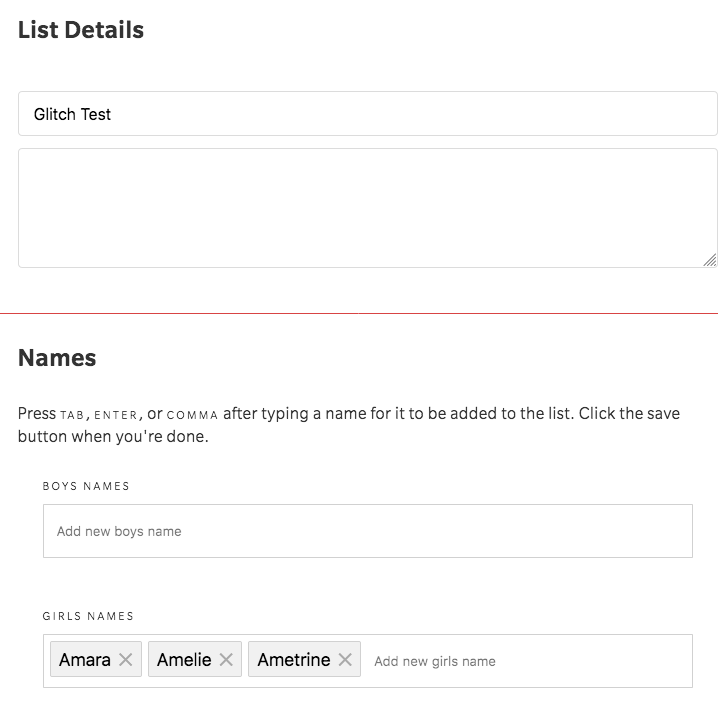
So it seems like this is what’s triggering the error. I hope this info helps the team find a fix for it! In the meantime, I’ll be extra careful not to enter the same name twice!
3 Likes
This is super interesting, thanks so much for doing that extra research. I will pass this on!
1 Like
@lavenderwitch Thanks to your latest info, we think we may have been able to isolate and fix this issue. Would you be able to test again when you get a chance please?
1 Like
@katinka - I’m so glad I was able to help!
I repeated the steps from last time, and this time I did not trigger the error, so it seems like whatever the team did is working!
Here are the screenshots:
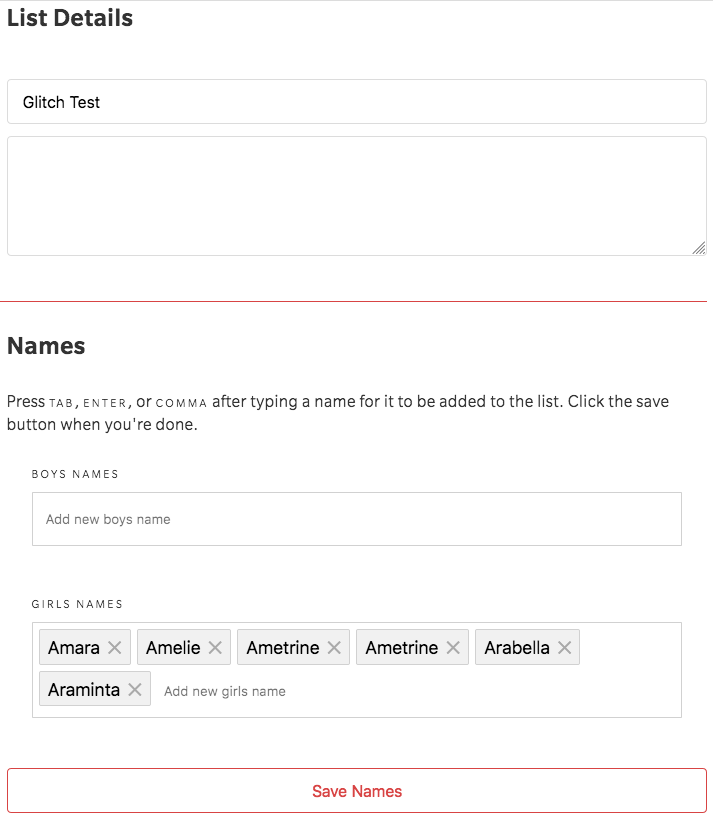
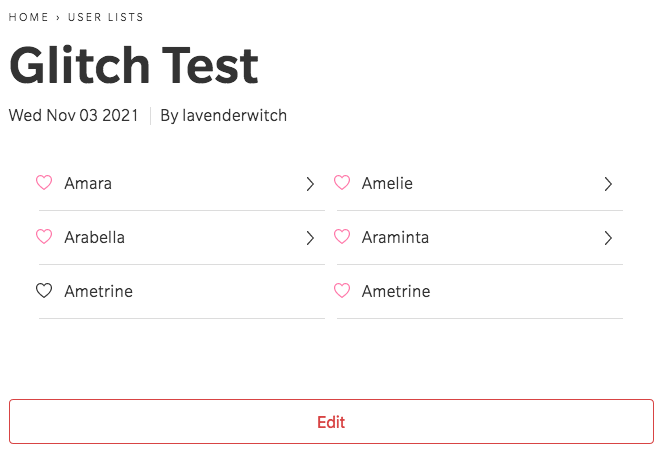
No error upon saving! Unrecognized name appears twice - one pink, one black - and all the names after it still show up on the list.
1 Like
Sounds promising! Thanks for testing. Please let me know if you encounter this issue again.
1 Like
 [name_u]Will[/name_u] do!
1 Like
I’m getting errors every time I try to delete a bookmark - adding bookmarks or changing the time/date works fine but whenever I try to remove it I get this message:
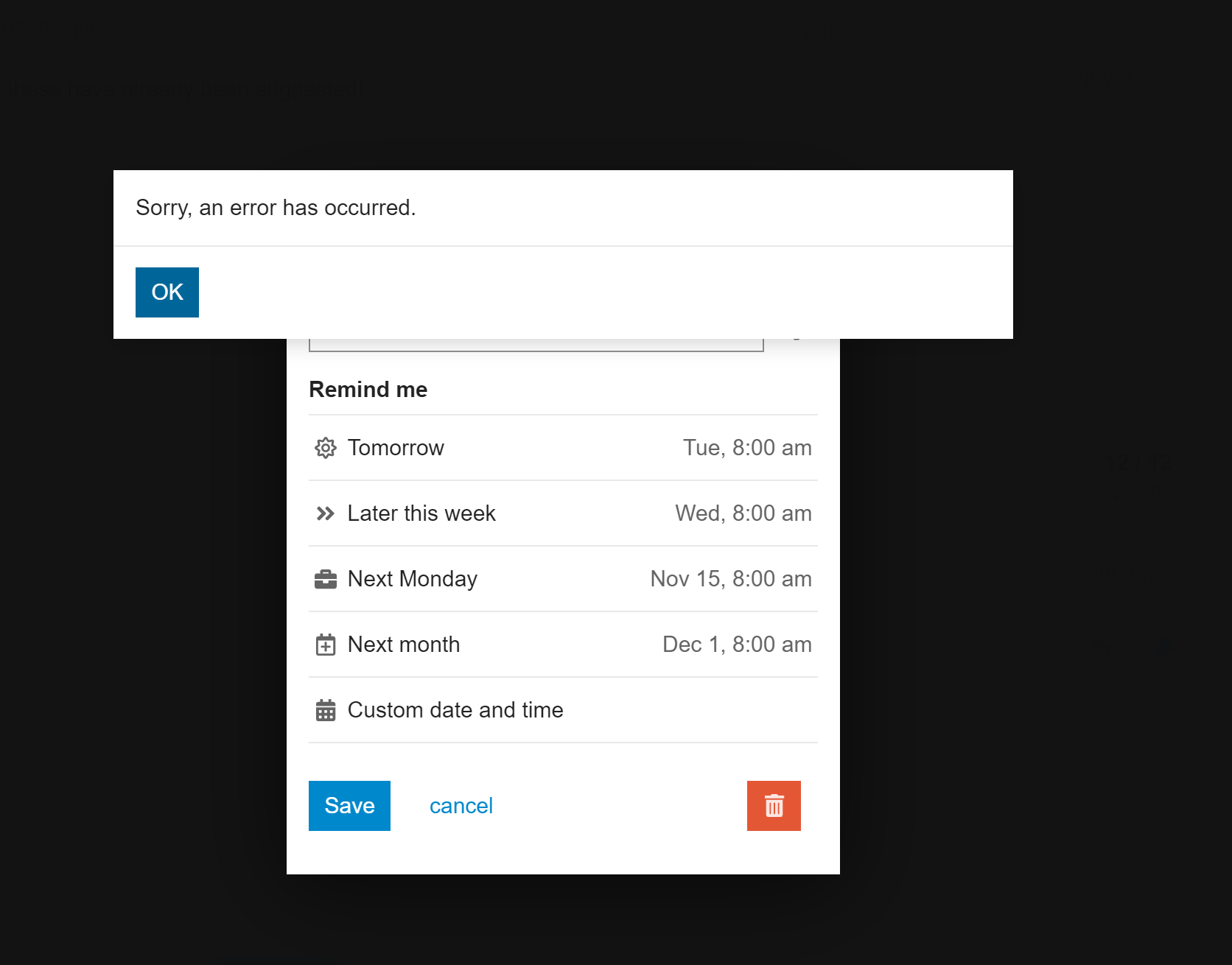
I thought it might have been something to do with my Wifi or device but I get the error whether on my iPad or laptop, at school or at home.
Currently getting a 404 page not found when looking up names. Like you can look up the names but when you click on the name for more info, I get 404
2 Likes
Thanks, we’re aware of the issue and working on a fix!
1 Like
Sorry for bumping an old thread, but I’m not sure where to put this.
I’m once again getting errors when I try to add and/or delete names from my lists, where it ends up deleting a whole bunch of names on the list. This has happened twice now on two different lists.
It gives me this message:
" Application error: a client-side exception has occurred (see the browser console for more information)."
Sorry to hear this.
How long are the lists?
Are both genders of names disappearing?
Have you seen this error message anywhere else?
They are quite long, easily 100+ names. I checked the affected lists and it does seem it’s female names that disappeared from one of them. The other one is all boy names. Now that I think about it, when errors like this have happened in the past, I think it also removed girl names.
1 Like